
LinkedIn

Grow your client base, increase your visibility, and simplify your communication.

Create a post

LinkedIn: A Key Lever to Grow Your Client Base

Today, LinkedIn is the most widely used platform by professionals and businesses to generate business opportunities: 89% of B2B marketers say they use it to generate leads, and 62% report that it effectively helps them acquire qualified prospects.

In your marketing hub, you have access to:

  • ready-to-use LinkedIn posts to stay active without spending hours creating content
  • support to create or optimize your LinkedIn profile
  • practical tools and resources to grow your online visibility

The goal: to help you use LinkedIn as a true business development tool, in a simple and structured way.

Optimize your LinkedIn profile to attract qualified clients​

A simple, practical guide to improve your visibility, strengthen your credibility, and use LinkedIn as a true business development tool.

Best practices to optimize your LinkedIn profile

Your photo is the first impression you make.

You should use a photo that is clear, friendly, and professional. Avoid selfies or photos taken in a personal setting.

Good to know: LinkedIn profiles with a photo receive 21 times more visits.

The LinkedIn banner is often overlooked—it’s actually an excellent place to highlight your area of expertise or your value proposition.

Add a visual with your slogan, services, or a call to action; for example, “Protect your future today”.

Your headline shows up everywhere: in search results, comments, invitations, and more. It should convey more than just your job title.

Avoid: “Insurance advisor”
Use instead: “Insurance advisor | Personal protection | I help families secure their future”

This is where you describe who you are, what you do, and who you serve.

Write it using short sentences, a conversational tone, and a clear value proposition for your target clients.

End with a call to action, such as how to contact you or book a meeting.

Your profile is your showcase. But it’s your online activity that shows your audience you are present, engaged, and attentive.

Post regularly (news, advice, protection reminders, client testimonials).

Comment on posts from your network to stay visible and spark conversation.

Good to know: Active profiles generate about 5 to 7 times more contact opportunities than inactive ones.

How to use the LinkedIn post generator

The LinkedIn post generator gives you access to ready‑to‑use content (copy and visuals) that you can easily customize and publish on your profile.

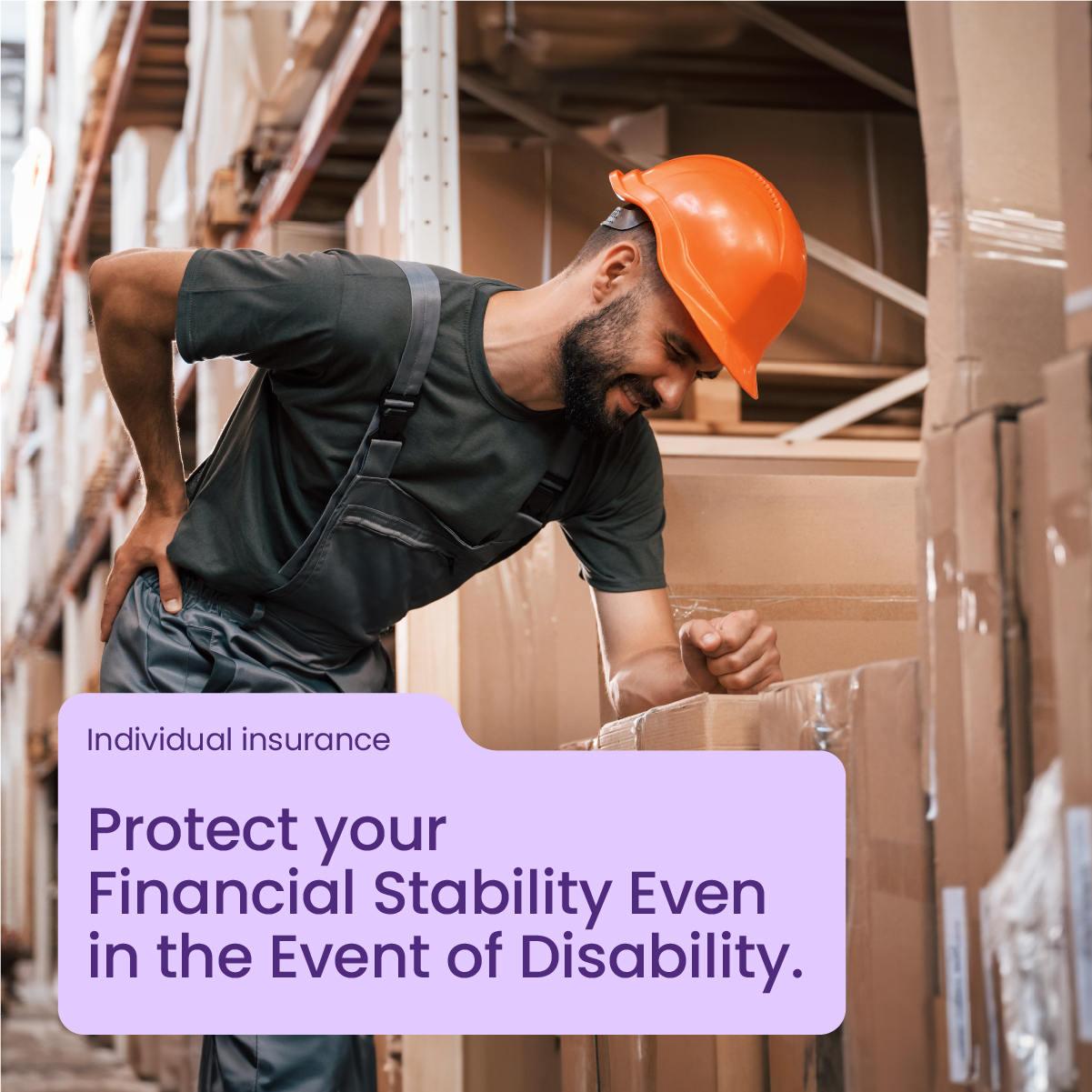
Income insurance

Whatever your situation, there’s a simple and accessible way to protect your income.

Disability insurance pays you a monthly benefit if you become disabled due to accident or illness.

For protection tailored to you, choose the plan, the waiting period, and the duration of coverage.

Humania’s disability insurance offers:
✅ Quick enrollment, 100% online
✅ No profession is excluded
✅ Premium refund option at 20 years

As a Humania partner advisor, I can help you choose the solution that works best for you. Contact me today.

#disabilityinsurance #futureplanning #financialstability #incomeprotection
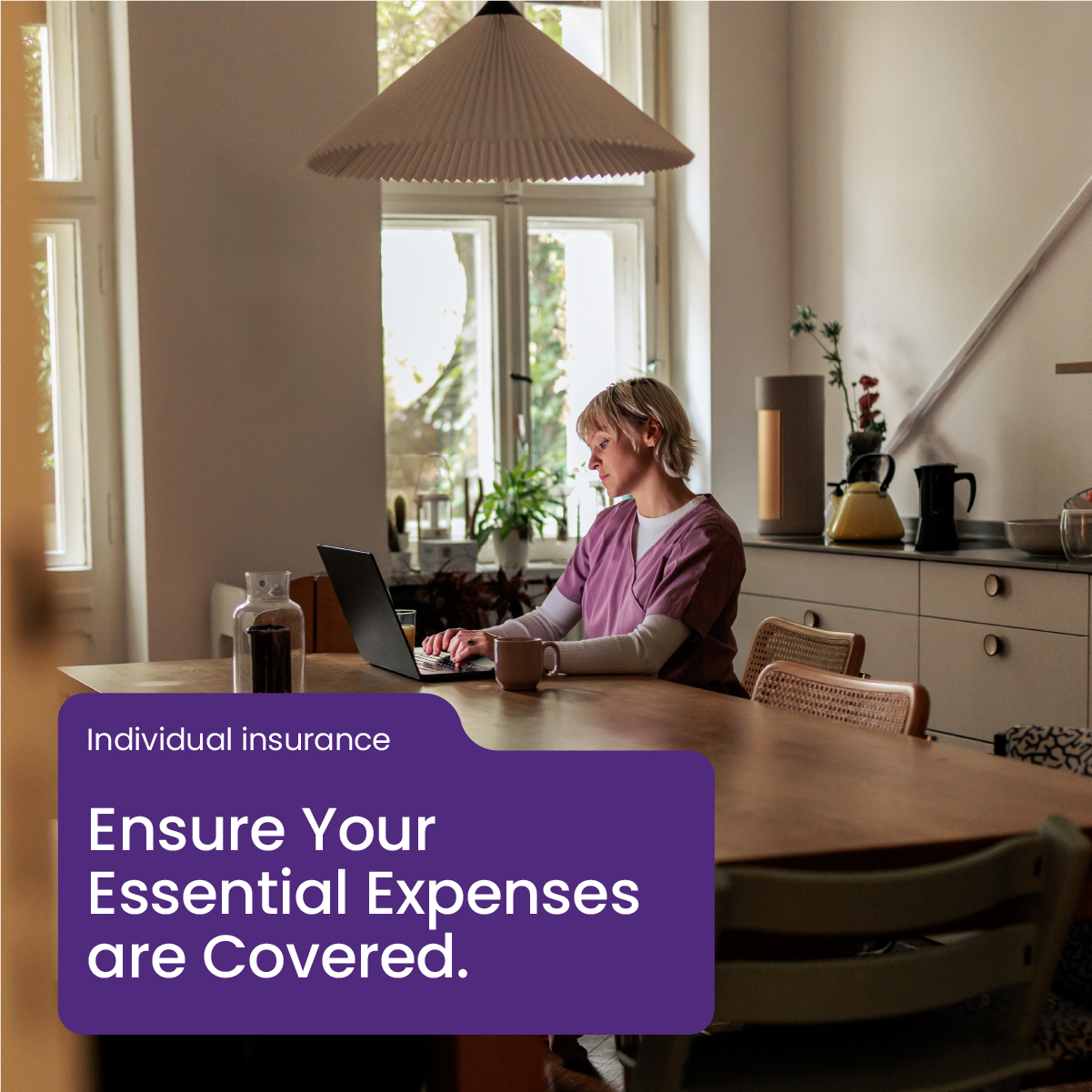
Payment insurance

What if there were a solution to help you stay on track, no matter the financial surprises?

Humania’s payment protection insurance helps you maintain financial stability even if an accident or illness prevents you from working.

Whether you’re an employee, an entrepreneur, or self-employed, this coverage offers practical support designed to match your needs.

Benefits include:
✅ Comprehensive coverage for your personal expenses (mortgage, bills, subscriptions, etc.)
✅ Up to $10,000 per month, with no occupational restrictions
✅ Stable premiums and a renewable guarantee

As a Humania partner advisor, I can help you choose the solution that works best for you. Contact me today.

#paymentprotection #financialsecurity #peaceofmind #planning

Critical illnesses insurance

A critical illness diagnosis can have major financial consequences. The right coverage can help you manage the unexpected.

✅ Lump-sum payment upon diagnosis, with no restrictions on use
✅ Financial support for treatments, travel, or care
✅ Simple and fast issuance process

Contact me to learn more about the available protection options.

#criticalillness #healthprevention #financialsupport

Critical illnesses insurance

The hidden costs of critical illnesses: are you prepared?

✔️ Medications and treatments not covered
✔️ Frequent travel to see specialists
✔️ Home adjustments to meet new needs
✔️ Loss of income if on extended work absence

These costs can quickly add up to tens of thousands of dollars, putting your financial stability at risk.

The good news? Critical illness insurance can provide valuable financial support in the event of the unexpected.

Contact me today to find out more.

#prevention #protection #criticalillnessinsurance #financialplanning

Life insurance

Why is life insurance essential for you and your loved ones?

Life is full of surprises. It’s important to plan for your family’s future.

Here’s why you should consider life insurance:

Financial security: in the event of death, your family can continue living comfortably.
Home protection: life insurance can help your family pay off the mortgage.
Children’s education: ensure your children can keep learning even if you’re not there.
Lifestyle protection: maintain your family’s standard of living.

Contact me today to learn more.

#lifeinsurance #familyprotection #financialsecurity

Life insurance

Life insurance provides financial security for your loved ones during difficult times.

What it offers:
✅ Covers funeral expenses and debts
✅ Maintains your family’s standard of living
✅ Keeps your plans on track (education, housing, etc.)

Contact me to explore what options are available for your situation.

#lifeinsurance #familyprotection

How to Use the LinkedIn Post Generator

The LinkedIn Post Generator gives you access to ready-to-use content (text and visuals) that you can easily customize and publish on your LinkedIn profile.

Steps to follow:

  1. Browse the available posts in the generator.
  2. Use the filters to refine your search by topic (e.g., life insurance, critical illness insurance, products, news, etc.).
  3. Select the post you would like to use.
  4. Click “Download Image” to save the visual to your computer.
  5. Click “Copy Text” to copy the post content.
  6. Open LinkedIn and create a new post on your profile.
  7. Paste the text into the post field.
  8. Upload the downloaded image to your LinkedIn post.
  9. Customize the post as needed:
    • Add your own call to action
    • Adjust the wording to match your tone or target audience
    • Add hashtags or a question to encourage engagement
  10. Publish your post