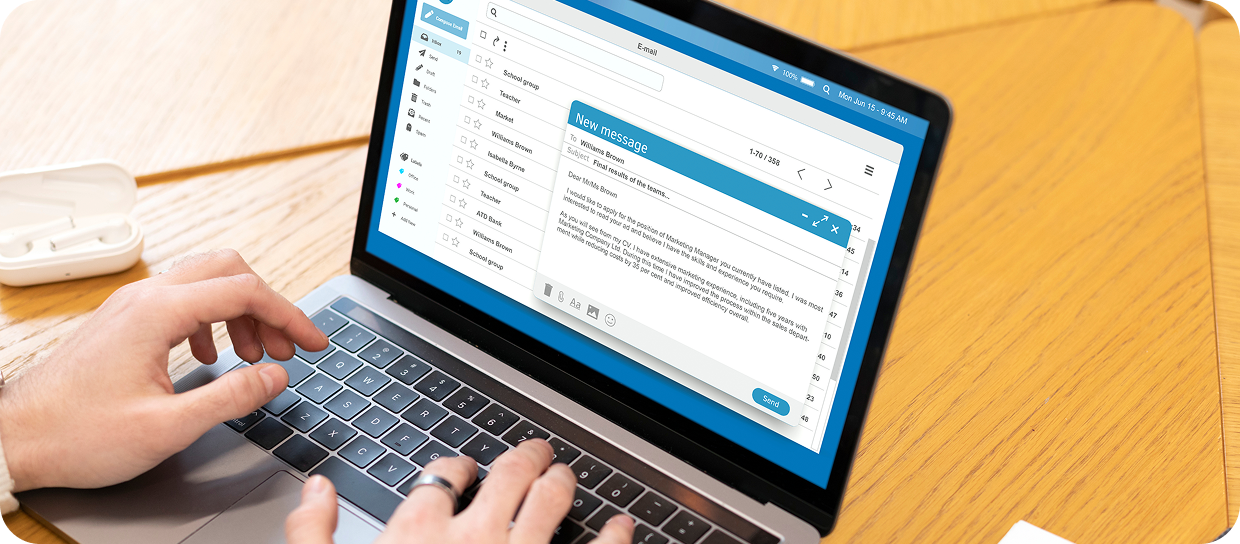
Ready-to-use client emails

Access simple, professional, and customizable email templates that you can use to follow up, nurture client relationships, and re-engage prospects.

Email template library

Communicate with your clients easily—without having to create everything from scratch.

As you know, the client relationship continues long after a contract is signed. Email is still a simple and effective way to build loyalty, provide reassurance, and stay top-of-mind.

In this section, you’ll find ready-to-use templates designed to help you:

  • Follow up after a meeting or after providing a quote
  • Inform clients about available coverage or upcoming renewals
  • Share prevention tips and useful reminders
  • Follow up on inactive clients
  • Maintain a warm, professional connection

Good to know: All text and images can be customized to match your style and your clients.

Critical Illness Insurance • Humania
Financial support as soon as a critical illness is diagnosed
Download in HTML
Critical Illness Insurance • Humania
Immediate financial support in the event of a serious diagnosis
Download in HTML

How to Use the Email Templates

Follow these simple steps to use our ready-to-use email templates:

  1. Download the HTML file of the email template from the platform.
  2. Save the file to your computer (for example, on your desktop or in your Downloads folder).
  3. Open the file in your web browser (Chrome, Edge, Safari, or Firefox).
  4. Once the email is displayed in the browser, right-click on the page and select “Copy.”
  5. Open your email client (Outlook, Gmail, etc.) and create a new message.
  6. Paste the content directly into the body of the email.
  7. Customize the message as needed (client name, signature, contact details, introductory message, etc.).
  8. Send your email
 
Need more details?
A comprehensive step-by-step tutorial guide in PDF format is also available, including screenshots and detailed explanations.