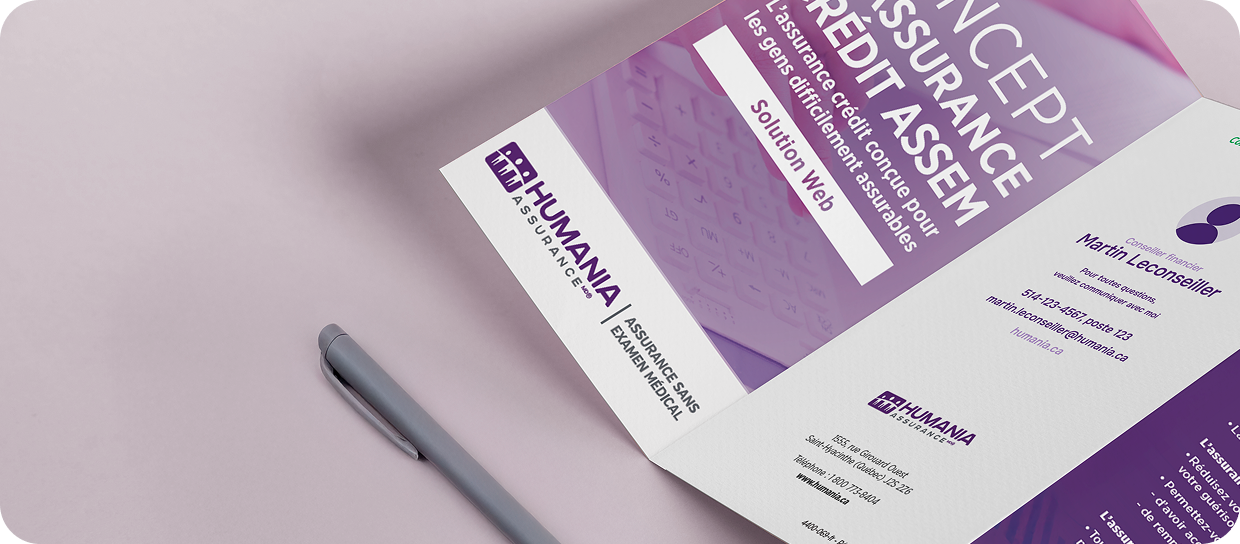

Customizable brochures

Add your business card to our brochures to offer a more personalized service to your customers.

Customizable brochures: a professional asset

In just a few clicks, create documents that reflect your practice as an advisor and help you:

Clearly present Humania products

A reliable visual support to explain key coverages and benefits with confidence.

Strengthen your credibility

A brochure customized with your name shows that you are prepared, organized, and fully committed to your clients.

Simplify information sharing

Share them during meetings or by email, so your clients can consult them anytime.

Explore the brochures

HuGO
HuGO

The HuGO brochure helps you present flexible, affordable term life insurance, accessible via a fast digital platform. Ideal to cover your customers’ financial needs such as debts, income protection, estate or inheritance; while simplifying their enrolment process.

Download the brochure
HuGO
HuGO Mortgage Insurance

The HuGO Mortgage Insurance brochure lets you present flexible, affordable protection covering death, critical illness and loss of income, to help your customers maintain their loan payments. An advantageous alternative to bank protection, offering greater freedom and adaptability to their needs.

Download the brochure

How to Customize and Use Your Brochures

Our product brochures are customizable, allowing you to add your contact details in the form of a business card, directly in the designated area.


Steps to follow:

  1. Download the brochure in PDF format from the platform.
  2. Open the PDF file using Adobe Acrobat.
  3. Locate, at the bottom of the brochure, the designated customization area (the space intended for adding your business card).
  4. Double-click on the image placeholder (clickable rectangle).
  5. A window will open: click “Browse” and select the image of your business card from your computer.
  6. Confirm your selection to insert the image into the brochure.
  7. Adjust the image as needed to ensure it displays correctly within the designated area.
  8. Save your personalized brochure to your computer.


Recommended image format:

  • Suggested dimensions: approximately 3.5 inches x 2 inches
  • Standard business card format
  • Accepted formats: JPG or PNG
  • Make sure the image is clear, readable, and of good quality.